One till forthe whole venue.
The bar, the tables, the kitchen, the stock, the bookings and the rooms, all in one system. And every order starts by asking about allergies.
Every order starts with the question that matters most: any allergies? After that the till, the kitchen, the stock and the rooms stay in step on their own.
On the
floor.
The till your staff use all day, on a computer, an iPad or a phone.
The till asks before anyone orders.
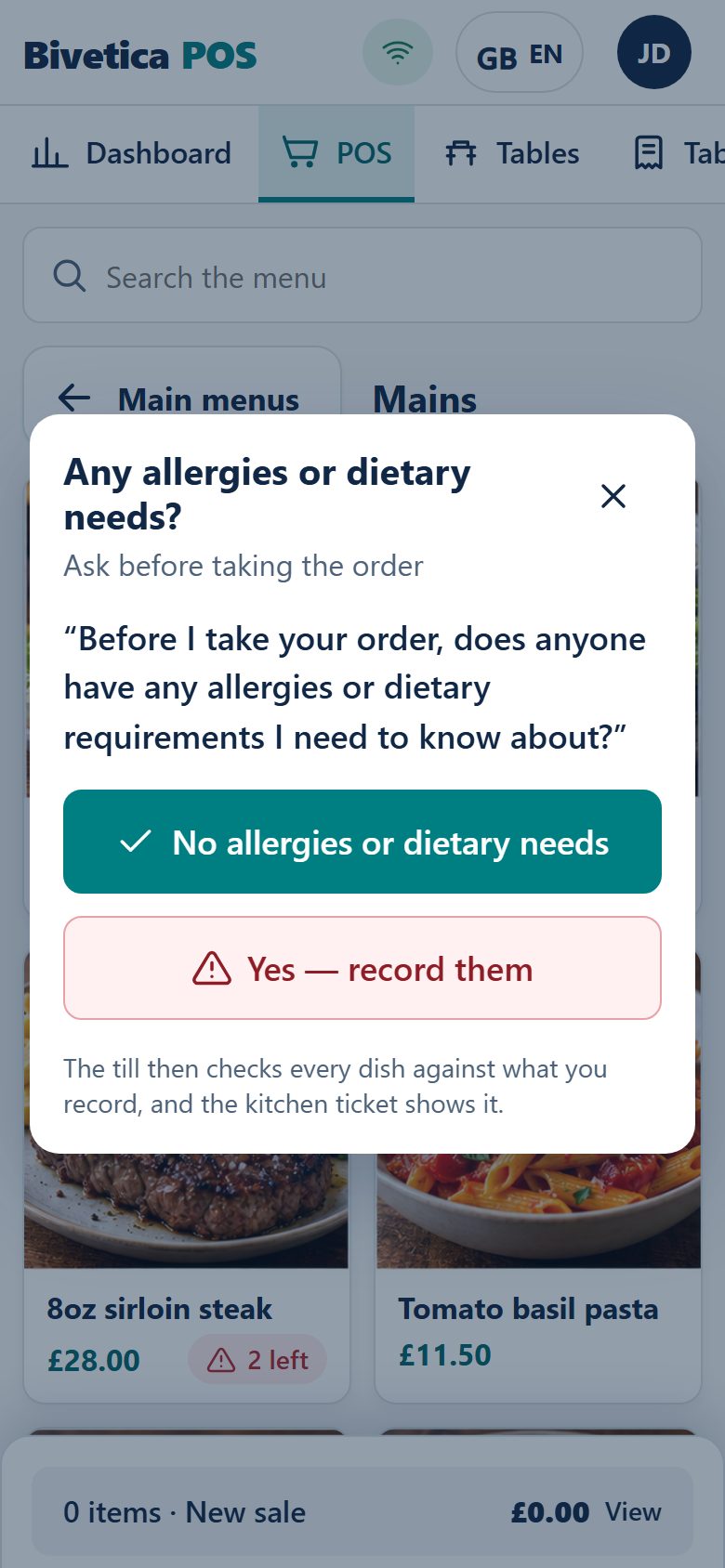
Before the first item goes on a table, the till asks about allergies and dietary needs. Whatever the guest tells you is checked against every dish, down to the ingredient labels in your stock.
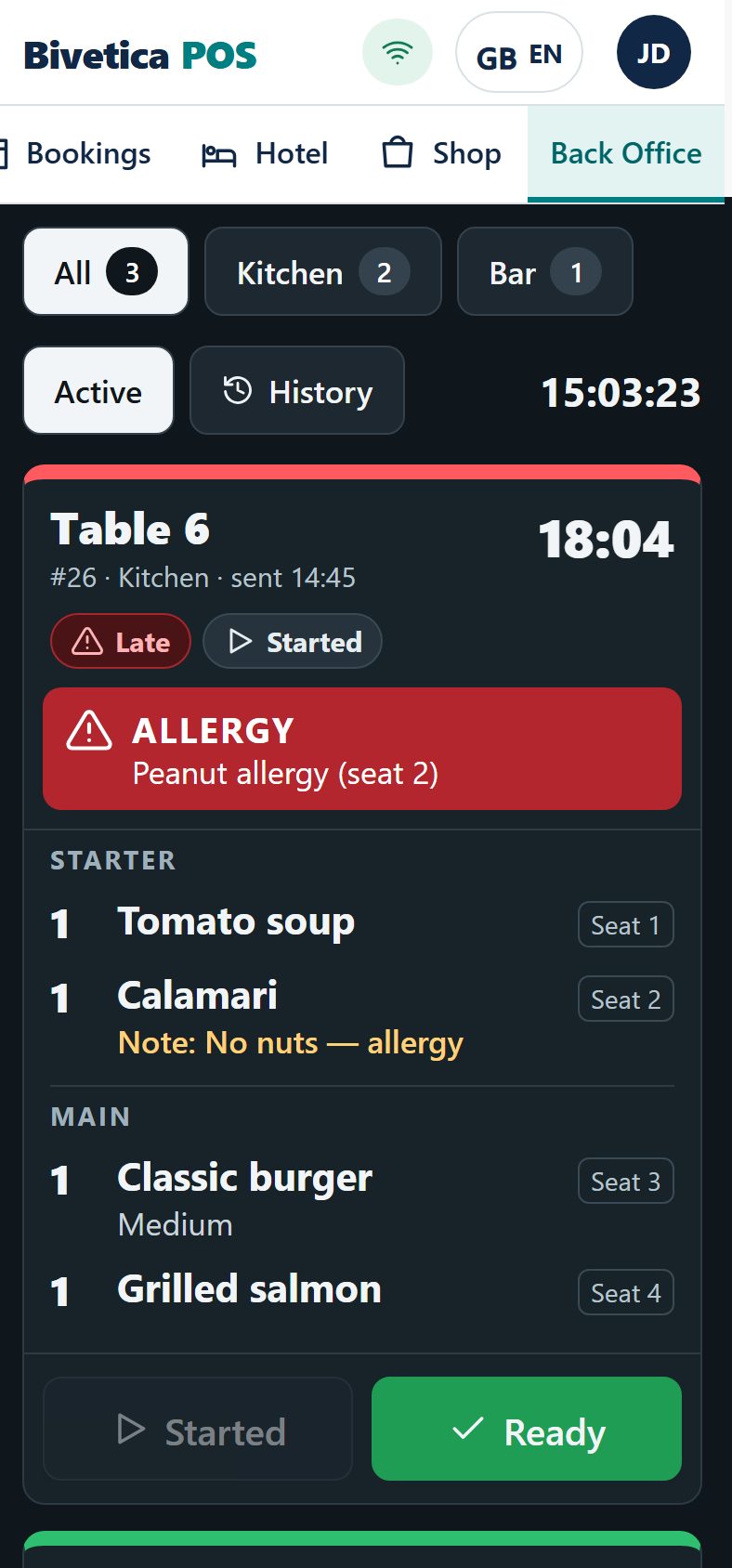
If a dish clashes, the till stops it, or sends it to the chef to adapt. The kitchen ticket shows the allergy in red.
“Before I take your order, does anyone have any allergies or dietary requirements I need to know about?”



Cash-up, checked against the card machine.
Count the coins and notes on screen and see the difference straight away. Card payments are matched one by one with the card machine, so a missing payment or a tip keyed on the machine shows up tonight, not at the month end.

Tables
& rooms.
Table bookings and hotel rooms in the same system as the till, so the bill, the room and the booking always agree.
Bookings on your own website, not someone else's.
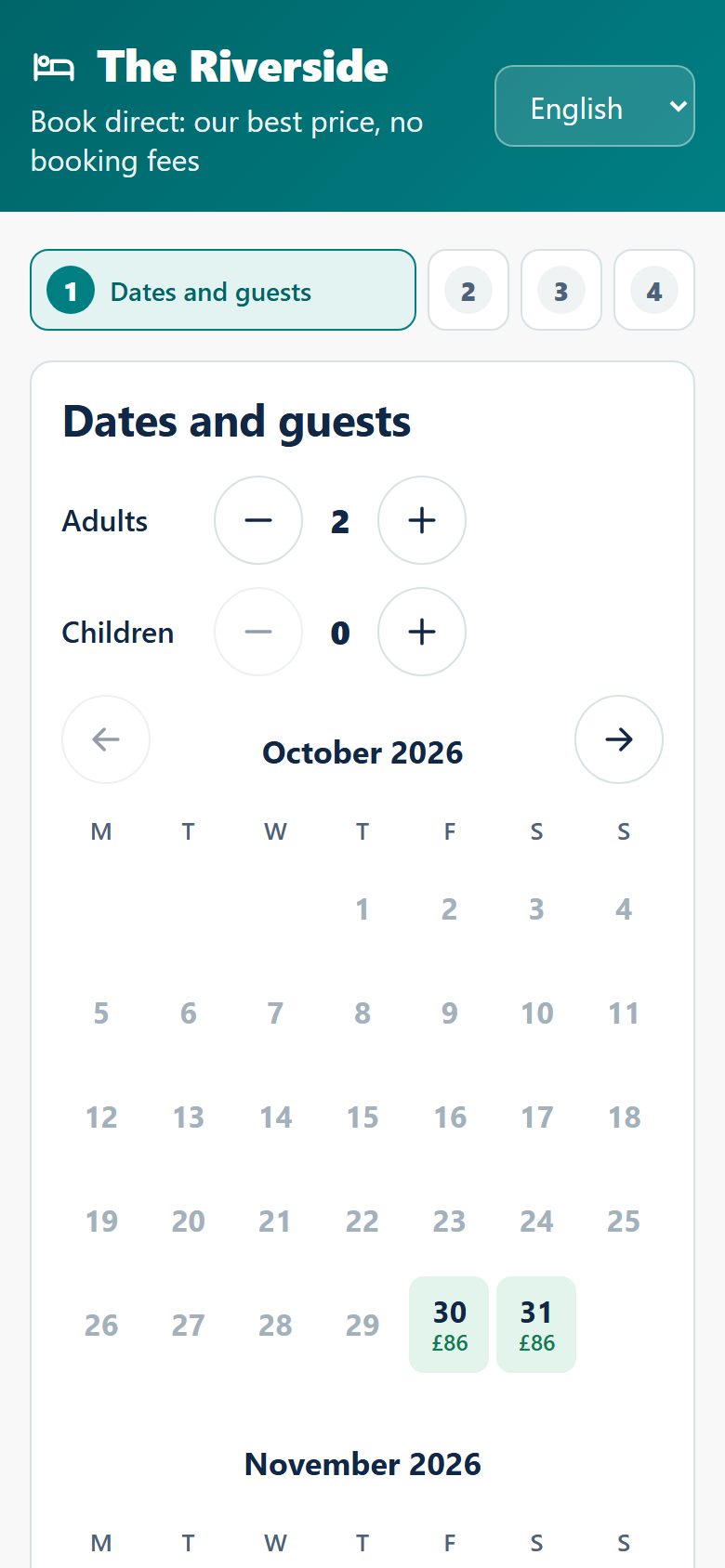
A diary for lunch and dinner, a table plan, walk-ins and a waiting list. Guests book on your venue's own booking page, with no booking fees to a middleman.
See it working on The Riverside, our demo pub and hotel.
Visit The Riverside demo site
The hotel diary, connected through Channex.
Rooms, guests, prices and extras in one diary at reception. Through Channex the same rooms sell on Booking.com, Airbnb, Expedia and Google, and their bookings come straight into the diary.
Room charges from the bar and restaurant go on the guest's bill.

Your
team.
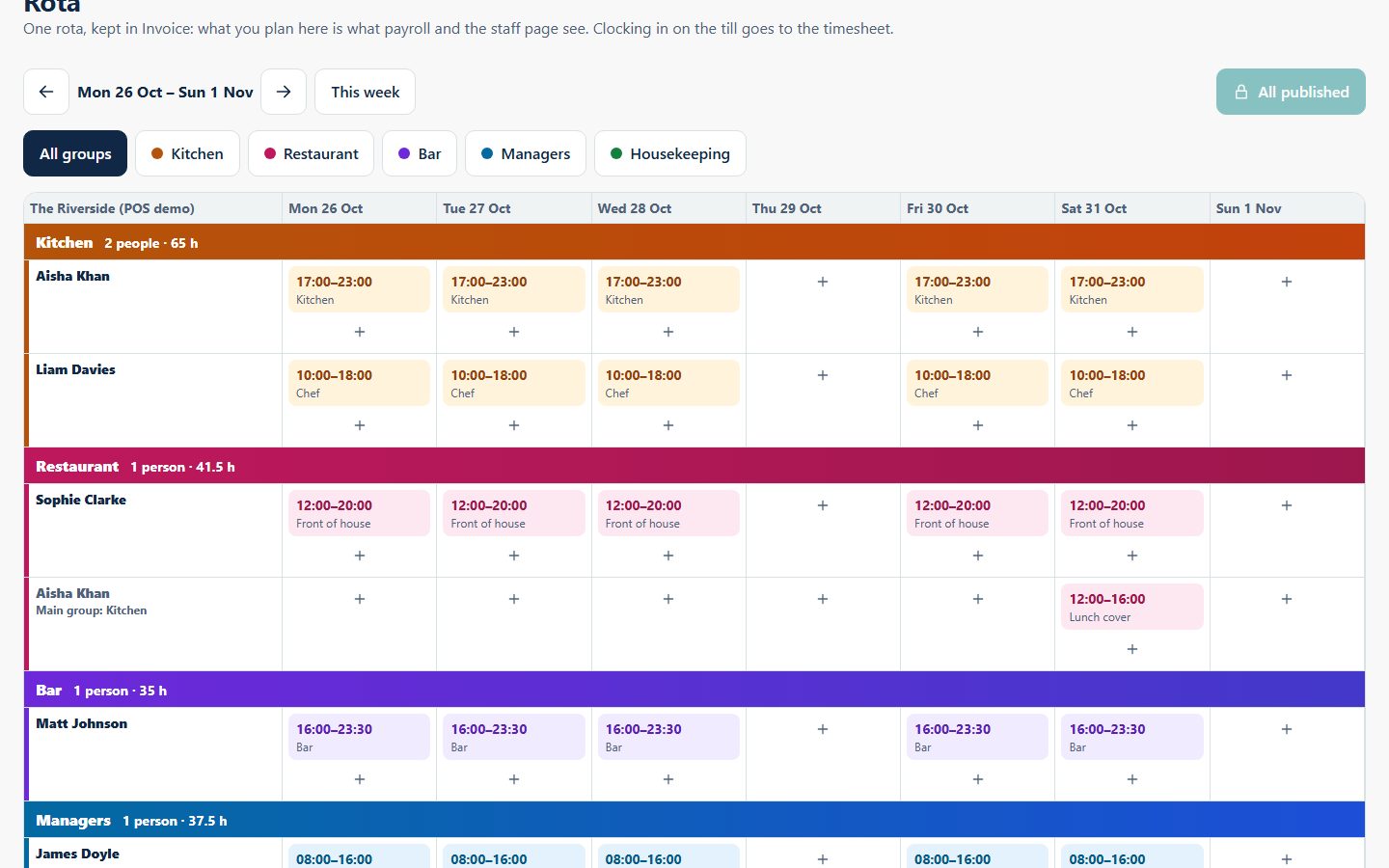
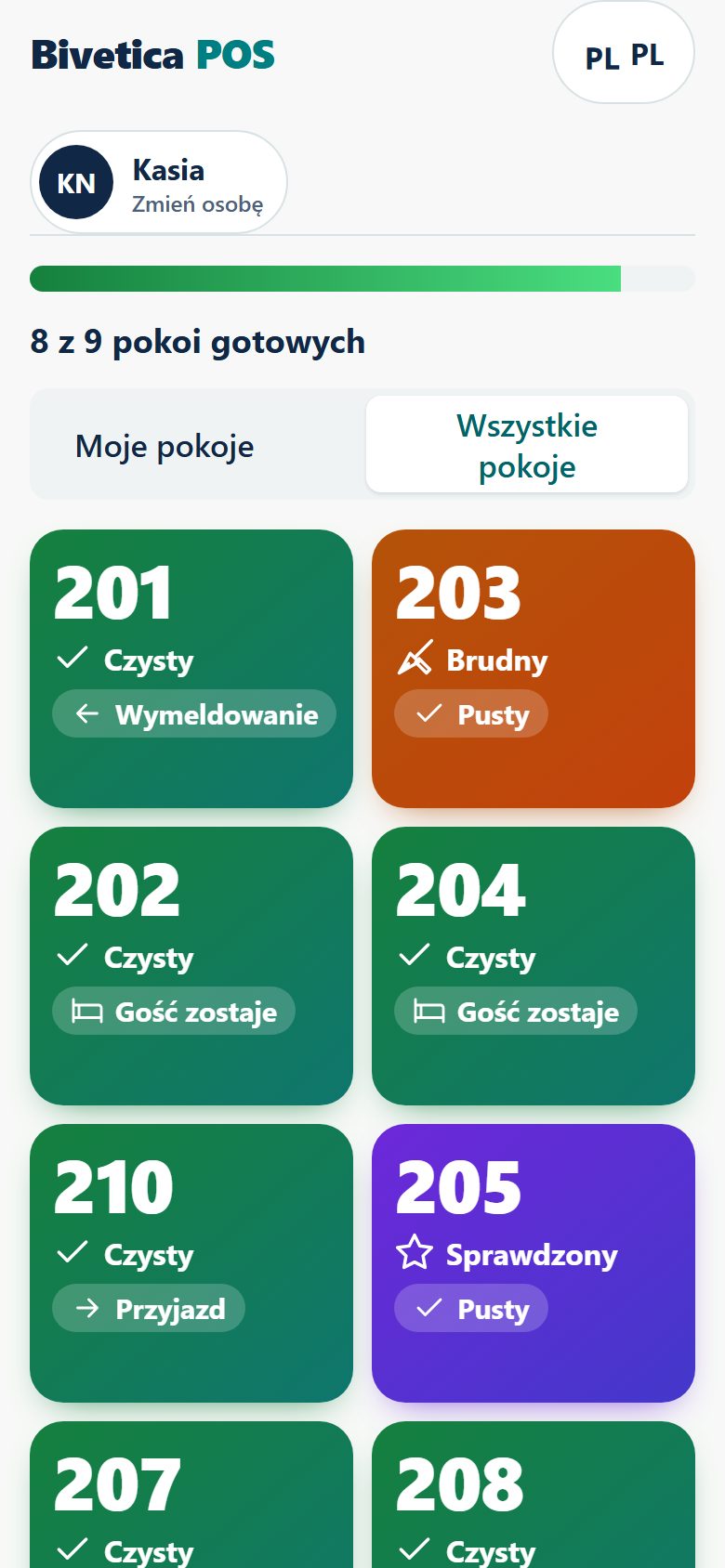
Rotas, clocking in and housekeeping, in the language each person reads best.
Know how
today is going.
09 · Owner dashboardSales so far, the busiest hour, what is selling and what is running low. Plus the short list of things that need you before the next service.

How it fits
together.
Bivetica POS runs the venue. Bivetica Invoice runs the money and the people. They share one list of staff, so nothing is typed twice.
Bivetica POS
On the floor, at reception, in the kitchen
- Till, tables and tabs
- Kitchen and bar screens
- Stock, deliveries and waste
- Table bookings and the booking page
- Hotel diary and Channex
- Cash-up and card check
Bivetica Invoice
In the office
- Staff records
- Rota and staff groups
- Timesheets
- Payroll and HMRC
- Invoices and accounts
We are looking for a small number of pubs, restaurants and small hotels to run Bivetica POS with us first. Tell us about your venue and we will set it up with you.
Tell us about your venue. We bring your menu, tables and rooms across, your team uses it in real service, and you tell us what to change.